Best Free Web Design Tools for Beginners in 2026
- Sameer Verma
- May 11
- 4 min read

Breaking into web design used to require expensive software, formal education, or years of trial and error. In 2026, that's simply no longer true. A new generation of free, powerful, and beginner-friendly tools has levelled the playing field completely — giving first-timers access to the same quality of design that professionals use.
Whether you want to design a website, create stunning graphics, prototype an app, or just learn the basics of web design, this list has everything you need — and it won't cost you a thing.
1. Figma — The Industry-Standard Design Tool (Free)
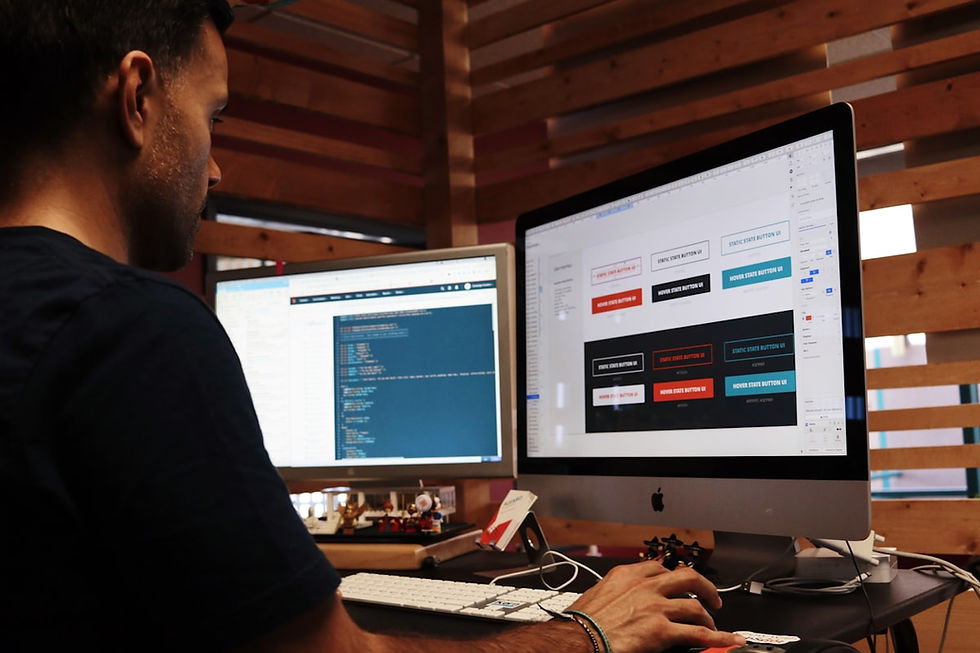
Figma is the tool used by designers at Google, Airbnb, Spotify, and thousands of startups worldwide — and its free tier is genuinely powerful. You can design full websites, create interactive prototypes, collaborate with teammates in real time, and export assets for development.
For beginners, Figma's Community section is a goldmine: thousands of free templates, UI kits, icon sets, and design systems that you can copy, remix, and learn from. If you only learn one design tool in 2026, make it Figma.
Free tier: 3 projects, unlimited personal files, full design features
Best for: UI/UX design, wireframing, prototyping, and collaboration
Learning resources: Figma's own YouTube channel has excellent beginner tutorials
2. Canva — Drag-and-Drop Design for Non-Designers
Canva is the go-to tool for anyone who needs to create professional-looking visuals without any design experience. With thousands of templates for websites, social media, presentations, and marketing materials, Canva makes it nearly impossible to produce something that looks bad.
In 2026, Canva's AI features have become particularly impressive. The AI image generator, Magic Write copywriting tool, and Background Remover are all available on the free plan. For small business owners and bloggers building their first website, Canva is an indispensable tool.
Free tier: Unlimited designs, 1GB storage, 250,000+ templates
Best for: Social graphics, website banners, presentations, and marketing assets
Killer feature: AI-powered design suggestions and one-click background removal
3. VS Code — The Best Free Code Editor
If you want to learn to actually code your website, Visual Studio Code (VS Code) is where you start. It's completely free, used by the majority of professional developers worldwide, and packed with extensions that make web development faster and easier.
Key extensions for beginners: Prettier (auto-formats your code), Live Server (preview your website instantly as you type), and GitHub Copilot (AI code suggestions). VS Code supports HTML, CSS, JavaScript, and every other web language out of the box.
4. Google Fonts — Beautiful Typography for Free
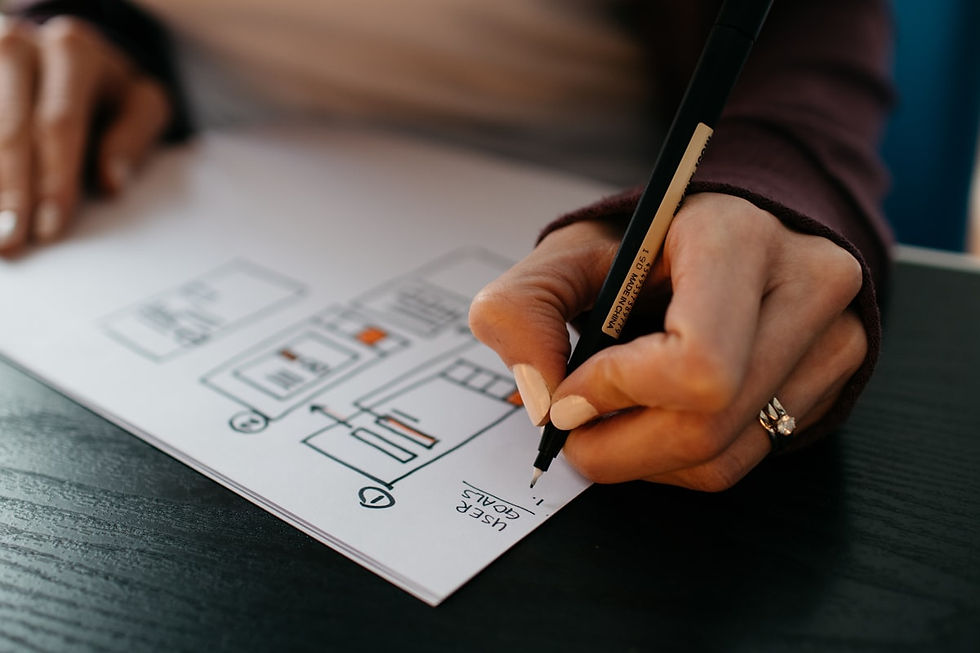
Typography is one of the most important — and most overlooked — elements of web design. Google Fonts gives you access to over 1,400 professional typefaces, all completely free for commercial use. Simply pick your fonts, copy a single line of code, and they're live on your site.
Popular beginner-friendly pairings: Inter + Merriweather for a clean editorial look, Poppins + Lato for a modern tech feel, or Playfair Display + Source Sans Pro for an elegant, premium aesthetic. Good typography can make even a simple site look expensive.
5. Coolors — Instant Colour Palette Generator
Choosing the right colour palette is one of the hardest parts of web design for beginners. Coolors (coolors.co) solves this instantly — press the spacebar to generate beautiful, harmonious colour palettes in seconds. You can lock colours you like and keep generating until you find a combination that works.
Coolors also lets you explore trending palettes, extract colours from images, and export your palette in any format (HEX, RGB, CSS variables). It's the fastest way to go from blank canvas to a cohesive visual identity.
6. Wix — Build a Full Website Without Code
For beginners who want a complete, professional website without touching a line of code, Wix is the most powerful free option available. The AI website builder can generate a full site from a text prompt — complete with layout, copy, and images — in under two minutes.
Wix's free plan lets you publish a fully functional website with its own domain (yourname.wixsite.com), while premium plans add custom domains, ecommerce, and advanced features. For anyone learning web design, building a real site on Wix is one of the best ways to understand layout, hierarchy, and user experience.
7. Unsplash & Pexels — Free High-Quality Stock Photos
Great photography can make a mediocre design look excellent. Unsplash (unsplash.com) and Pexels (pexels.com) both offer thousands of stunning, high-resolution photos completely free for commercial use — no attribution required. Between the two libraries, you'll find imagery for virtually any website topic.
"Good design is not about having expensive tools — it's about knowing which free tools to combine and how to use them effectively."
Your Beginner Web Design Toolkit: The Summary
Figma — UI design, prototyping, and wireframing
Canva — graphics, banners, and marketing visuals
VS Code — coding HTML, CSS, and JavaScript
Google Fonts — professional typography, free forever
Coolors — colour palette generation in seconds
Wix — build and publish a complete website for free
Unsplash & Pexels — free commercial stock photography
Start with Figma and Canva to build your design eye, then add VS Code when you're ready to learn code. This combination will take you from absolute beginner to confident web designer faster than any paid course or expensive software subscription.


Comments